Custom Software / Websites / AI — Indiana & Central Illinois
The Phone Rings. You Are Under a Truck. They Hire Someone Else.
Missed calls. Quotes that never get followed up. Job details written on the back of an envelope. The same thing goes wrong in the same place every week, and you are the only one who can fix it.
Detailed In Design builds custom software, websites, and AI for small businesses in Indiana and Central Illinois. We start by mapping what actually happens in your shop, then we build the smallest thing that stops the bleeding — and we tell you what it costs before you commit.
In Plain English
What We Can Help You Fix
Most of the businesses we work with do not come to us asking for software. They come to us because something keeps going wrong in the same place every week.
If any of these sound like your business, we can probably help.
Are you losing customers because calls go to voicemail?
You are on a roof, in a field, or under a truck. The phone rings. By the time you call back, they have already hired someone else.
Do quotes take too long to get out the door?
The job details are on a notepad, in your head, and in three text messages. Writing the estimate becomes an evening job, and the customer waits.
Are customers constantly calling to ask where things stand?
Every "just checking in" call interrupts real work. Answering the same question forty times a week is not customer service. It is a missing system.
Is the same information being typed in more than once?
It gets written on a form, retyped into a spreadsheet, then retyped again into the invoice. Every retype is time spent and a new chance to get it wrong.
Are important documents spread across email, paper, spreadsheets, and folders?
When you need one signed form from fourteen months ago, you know roughly where it is. Roughly is not the same as quickly.
Are you doing paperwork at night that could have been handled during the day?
If the office work only starts after the real work stops, the business is running you.
Do you have a business idea but no software to run it?
The idea is clear. The tools to actually operate it do not exist yet, and generic software does not fit what you are trying to do.
Do you want to add another service without adding another pile of paperwork?
Growth should not mean three more binders, two more spreadsheets, and one more thing only you know how to do.
What We Can Build
Here is what you actually receive. Most projects start with one or two of these and grow from there.
A professional website
MAKE MORE MONEYA site that makes your business look like what it is, loads fast, works on a phone, and turns visitors into phone calls and quote requests.
A customer portal
SAVE TIMEOne place where your customers can see their job, their documents, their invoices, and their status — instead of calling you to ask.
Online quote requests
MAKE MORE MONEYCustomers describe the job, attach photos, and ask for a price without a single phone call. You get what you need to quote it accurately the first time.
Scheduling systems
EASIER TO RUNJobs, crews, and equipment on one calendar. No double-booking, no "I thought you were covering that," no calling four people to find out where everyone is.
Billing and payment workflows
MAKE MORE MONEYInvoices go out when the work is done, not when you get around to it. Customers can pay online. You can see who has not.
Customer tracking
LOSE FEWER CUSTOMERSEvery customer, every job, every conversation in one place — so nothing depends on remembering a call from three weeks ago.
Document management
SAVE TIMEContracts, photos, signed forms, certificates, and reports filed automatically and found in seconds instead of folders.
Employee and training tracking
EASIER TO RUNWho is certified, what expires when, who has been trained on what. The system tells you before the certificate lapses, not after.
Equipment and inventory systems
EASIER TO RUNWhat you own, where it is, what condition it is in, what needs service, and what you are running low on.
Automated customer follow-up
LOSE FEWER CUSTOMERSMissed calls get captured and answered. Quotes get followed up on. Past customers hear from you again. None of it depends on someone remembering.
Custom software built around your business
EASIER TO RUNWhen your process has outgrown spreadsheets, paper, or software built for somebody else's business, we build the thing that actually fits.
AI assistance, where it saves real time
SAVE TIMEAnswering after-hours calls, drafting quotes, sorting documents, pulling answers out of your own records, and preparing work for you to review.
What about AI?
AI is one tool we can put inside your system.
We use it when it can save you time, organize information, find something faster, prepare work for your review, or help you make sense of your business information.
If ordinary software can do the job better, we use ordinary software instead.
We are not here to sell you AI. We are here to build the thing that fixes the problem.
How It Helps Your Business
Every system we build has to do at least one of four things. If it does not, we do not build it.
Make more money
- A missed-call system turns calls you could not answer into customers who still hire you.
- Online quote requests mean you can price a job the same day instead of three days later — and faster quotes win more work.
- Online billing gets invoices out the day the work finishes, so the money comes in weeks sooner.
Save time
- A customer portal gives customers one place to find their own answers, which cuts the number of calls you have to take.
- Document management ends the search through email, folders, and paper for the one form you need right now.
- Entering information once means it flows into the quote, the schedule, and the invoice without being retyped.
Lose fewer customers
- Quote follow-up keeps estimates from being forgotten after they are sent.
- Customer tracking means the conversation from three weeks ago is written down, not remembered.
- Automatic reminders bring past customers back without anyone having to think about it.
Make the business easier to operate
- Scheduling stops overlapping jobs and keeps crews and customers informed without a phone tree.
- Training and certification tracking warns you before something expires, not after an inspector notices.
- Custom software replaces the process that has outgrown spreadsheets, paper, and software built for a different kind of business.
Plain-English Examples
What custom AI and software actually does.
For contractors, manufacturers, and clinics across Indiana and Central Illinois, the benefit is not "AI" as a buzzword. It is fewer missed handoffs, less retyping, cleaner proof, faster follow-up, and a better way to see what needs a human decision.
Our difference: we map the real workflow, connect approved data, add the right AI or automation, and keep people in control of sensitive decisions.
A contractor
Old way: misses calls, forgets quote follow-up, and loses job details between the truck and the office.
What we build: We build missed-call capture, quote follow-up, job folders, photo packets, scheduling, and invoice checklists.
See pathA manufacturer
Old way: rebuilds audit packets from spreadsheets, binders, emails, and shared-drive folders.
What we build: We build inspection logs, supplier evidence, training records, NCR/CAPA tracking, and audit-ready exports.
See pathA clinic, nonprofit, or family
Old way: juggles appointments, records, reminders, forms, notes, and private questions across too many places.
What we build: We build private organizers, intake workflows, reminders, document routing, and human-approved summaries.
See pathPayment Plans
Premium custom work without one painful check.
We are not trying to be the cheapest software on the shelf. We are trying to be the lower-risk custom path when cheap apps do not fit and enterprise platforms are too much. Approved setup can be split across the build while monthly support stays predictable.
The goal is simple: price above basic SaaS because the work is custom, but package the first step so the monthly decision feels closer to a serious software subscription than a traditional open-ended agency project.
2026 Appreciation Discounts
2026 USA 250 Birthday Special
10% off eligible DID service fees
Available for new approved projects and support agreements signed by December 31, 2026.
Veteran and disability-owned businesses
Additional 5% off eligible DID service fees
Veteran-owned and disability-owned businesses can stack this with the USA 250 special.
Discounts may stack up to 15% off eligible DID service fees. Hosting, software licenses, SMS, AI usage, taxes, data licenses, and other pass-through vendor costs stay separate.
We are not trying to beat every cheap subscription. We are trying to beat the total cost of forcing a local business into software that does not match how it works.
Not the cheapest app
A generic monthly tool can be cheaper when your process already fits it. We say that plainly.
Less than a full custom build
Most custom software projects start far above these entry offers. We narrow the first scope so a local buyer can start.
Premium because it fits
The value is the mapping, setup, integration, review controls, and local support around the way the work really happens.
Custom Bridge Plans
Starter Bridge
$750 activation + $399/mo
A narrow custom workflow that feels closer to SaaS: contractor follow-up, a training tracker, a simple evidence vault, or one intake flow.
Growth Bridge
$1,500 activation + $699/mo
Best for teams that need several workflow steps, light integrations, a dashboard, a portal, or staff-facing automation.
Regulated Bridge
$3,000 activation + $1,250/mo
For legal, healthcare, cyber, manufacturing, and audit-sensitive work where access controls, review steps, and evidence matter.
Bridge plans assume a 36-month support agreement. If the agreement ends early, the unpaid setup balance becomes due. Third-party software, hosting, SMS, and AI usage stay separate.
Market Price Check
Basic subscriptions
Often about $30-$550/month before extra users, add-ons, setup time, and process gaps.
Best when a business needs its calls, quotes, files, evidence, approvals, and follow-up connected around the way it already works.
Custom agencies
Public software-project guides commonly place small custom builds in the $10k-$50k+ range, with U.S. senior work often $120-$250+/hr.
DID uses fixed entry offers and smaller first scopes so a local team can prove the workflow before approving a larger build.
Enterprise platforms
QMS, field-service, SOC 2, GRC, and vCISO paths can quickly reach the low tens of thousands once onboarding and support are included.
DID is the bridge: more tailored than a cheap app, far less commitment than buying enterprise software before the team is ready.
Entry audit credit
For many local buyers, a workflow audit can be credited toward the first build when the implementation is approved within 30 days.
Setup split
Approved setup can be billed by milestone or spread over 3-12 months depending on region, scope, risk, and monthly support.
3-year partner price
A 36-month support agreement can earn a 10-12% managed-support discount, price-lock normal support rates, and reduce upfront strain.
Custom AI
Built Around Your Process
Workflow Automation
Remove manual handoffs and reporting drag with systems that run themselves.
Hybrid AI
LLMs for language, proprietary non-LLM models for precision and forecasting.
Integration-First
Wired into your CRM, EHR, ERP, and legacy tools through real APIs.
Workflow Design + Websites
The Website Becomes The Front Door
A forward-facing website should not stop at looking credible. It should catch the request, structure the work, route the handoff, and support the serious operations behind the business.
Step 1
Website and social intake
Public pages, local landing pages, forms, portals, and campaign links collect the request in the right structure.
Step 2
Traditional AI triage
AI extracts details, classifies the work, finds duplicates, drafts summaries, and routes the next task.
Step 3
Business processing
The system creates folders, checklists, assignments, reminders, packet builders, and status dashboards.
Step 4
SolaceSentry gate
SolaceSentry flags risky claims, missing evidence, policy gaps, privacy concerns, and escalation needs.
Step 5
Human-approved output
The business sends a reviewed quote, packet, referral update, status message, or report with proof behind it.
Built as a repeatable front-door system.
This section describes the pattern we build for clients: capture requests clearly, route the work, keep evidence organized, and send only reviewed outputs. The same structure can be adapted to websites, portals, dashboards, intake systems, and operating workflows.
Plain-English Examples
What This Looks Like In Real Life
Most people do not need an AI lecture. They need to see how ordinary work changes: fewer missed handoffs, less retyping, cleaner evidence, faster follow-up, and better decisions with people still in charge.
Contractors and field service
Missed calls become scheduled jobs.
Old way
A customer calls while the crew is in the field. The message lands in voicemail, a text thread, or a notebook. By the time someone follows up, the customer has called another company.
What we build
A lead intake and quote follow-up workflow that catches calls and forms, asks the right questions, creates a job folder, stores photos, nudges the customer, and prepares the invoice packet.
What changes
The owner sees every open lead and job in one place. Office staff spends less time hunting details. Customers get faster answers.
Manufacturers and suppliers
Audit prep stops living in binders.
Old way
Inspection logs, training records, supplier documents, and corrective actions sit in spreadsheets, email, paper forms, and shared drives.
What we build
A quality evidence workspace with inspection records, NCR/CAPA tracking, supplier document status, training proof, and one-click audit packet exports.
What changes
Customer audits become easier to prepare for, quality issues stay visible, and the same proof can be reused instead of rebuilt every time.
Law firms
Clients stop sending scattered documents.
Old way
Clients email attachments, call for status, miss document requests, and staff spend hours chasing pieces before an attorney can review the matter.
What we build
A supervised client portal with intake forms, upload checklists, reminders, matter status, and attorney-controlled review and release gates.
What changes
Staff can see what is missing, clients know what to do next, and legal-sensitive work stays under the firm attention it deserves.
Clinics and care teams
Paperwork moves before the appointment.
Old way
Phones, intake forms, reminders, portal messages, and insurance details compete for the same front-desk attention all day.
What we build
A HIPAA-aware administrative workflow for intake packets, reminders, document routing, message triage, and staff review before anything sensitive is acted on.
What changes
The team spends less time retyping and sorting routine information, while clinical judgment and patient decisions stay with people.
Retail, nonprofits, and offices
The follow-up work finally has a home.
Old way
Customer requests, donor notes, event tasks, inventory questions, and employee reminders are spread across inboxes and memory.
What we build
A small operations dashboard that tracks requests, drafts routine replies, flags stale follow-ups, and turns recurring work into checklists and reminders.
What changes
People stop relying on memory for repeatable work. Owners can see what is waiting, what is late, and what needs a human decision.
Families and personal life
Life admin becomes less overwhelming.
Old way
Appointments, care notes, school forms, home records, bills, and family reminders live in texts, folders, calendars, and someone's head.
What we build
A private personal workflow with document organization, appointment prep, reminders, care notes, question lists, and human-approved summaries.
What changes
The person carrying the mental load gets help staying organized without handing private decisions to a generic chatbot.
Why Detailed In Design Is Different
We build the working system around the job.
A generic AI subscription waits for someone to prompt it, paste context into it, check it, and move the answer somewhere useful. Our work connects the approved data, the software surface, the workflow logic, the AI layer, and the review step.
A workflow, not a chat box
The system knows the steps, users, files, approvals, and handoffs. People do not have to keep explaining the business from scratch.
AI only where it belongs
Some jobs need language help. Some need rules, forecasting, search, dashboards, or integrations. We choose the tool that fits the work.
Humans stay in control
Important outputs can require review, approval, audit logs, and rollback. The point is better work, not blind automation.
Research Signals
The value comes from fitting AI to real work.
17-20%
of U.S. businesses reported using AI in recent Census business survey waves, with more expecting to use it within six months.
58%
of small businesses in a U.S. Chamber report self-identified as using generative AI, up from 23% in 2023.
14%
average productivity lift in an NBER customer-support AI study, with the largest gains for newer and less-experienced workers.
3x
AI high performers in McKinsey research were nearly three times as likely to redesign individual workflows.
These examples are not promises that every business gets the same result. They show the pattern we build around: map the work, protect the data, automate the repeatable parts, keep human review where it matters, and measure the result.
Custom Software
Quoted As Proof
Custom Websites
That Carry The Brand
28 working demos we built to show what we can build for you
Every one is live — click and try it. These are our own demo companies, not clients. Real client work stays private.
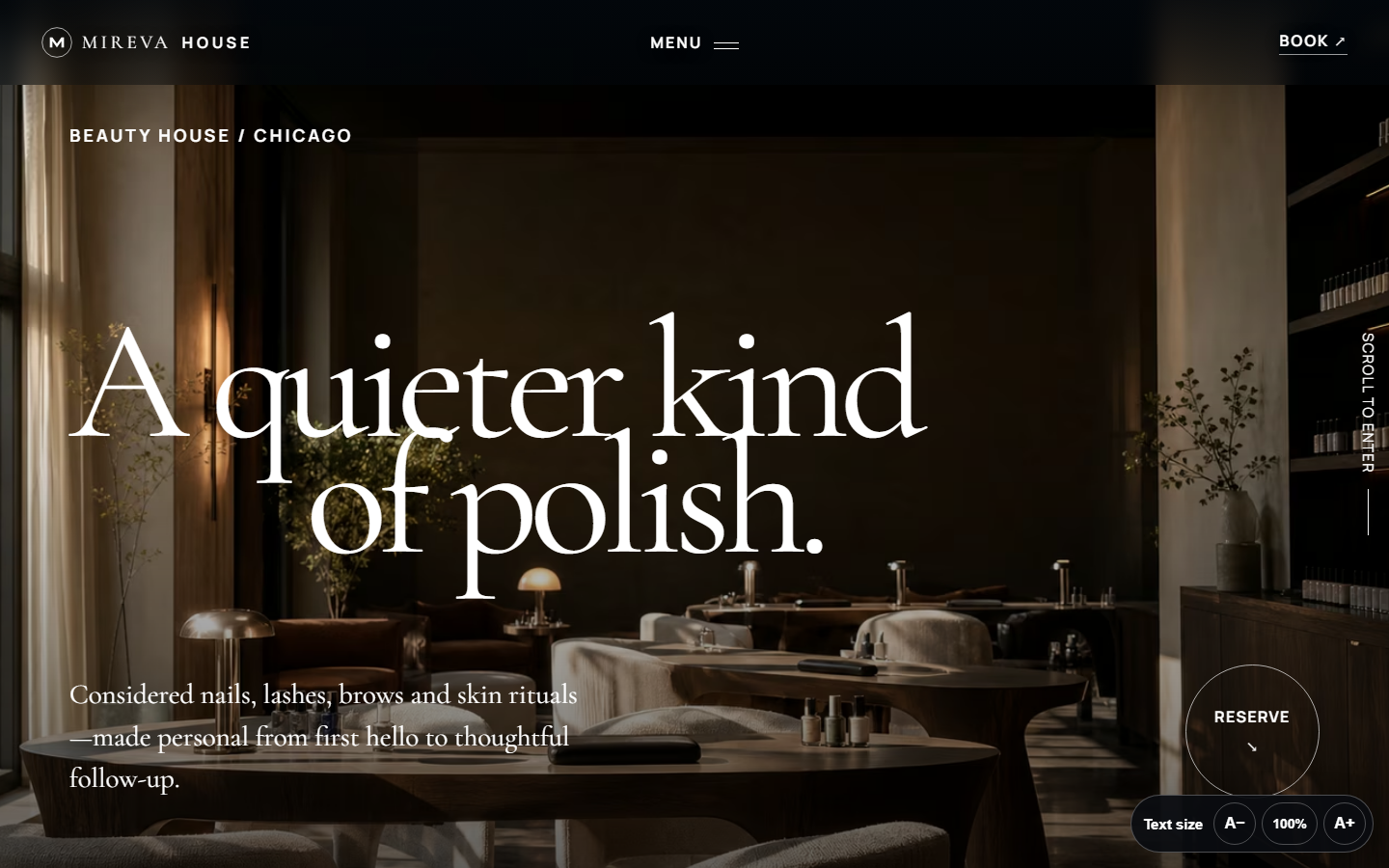
Mireva House
An editorial salon website paired with an interactive booking, client-care, and marketing workflow demonstration.
Open the live demo ->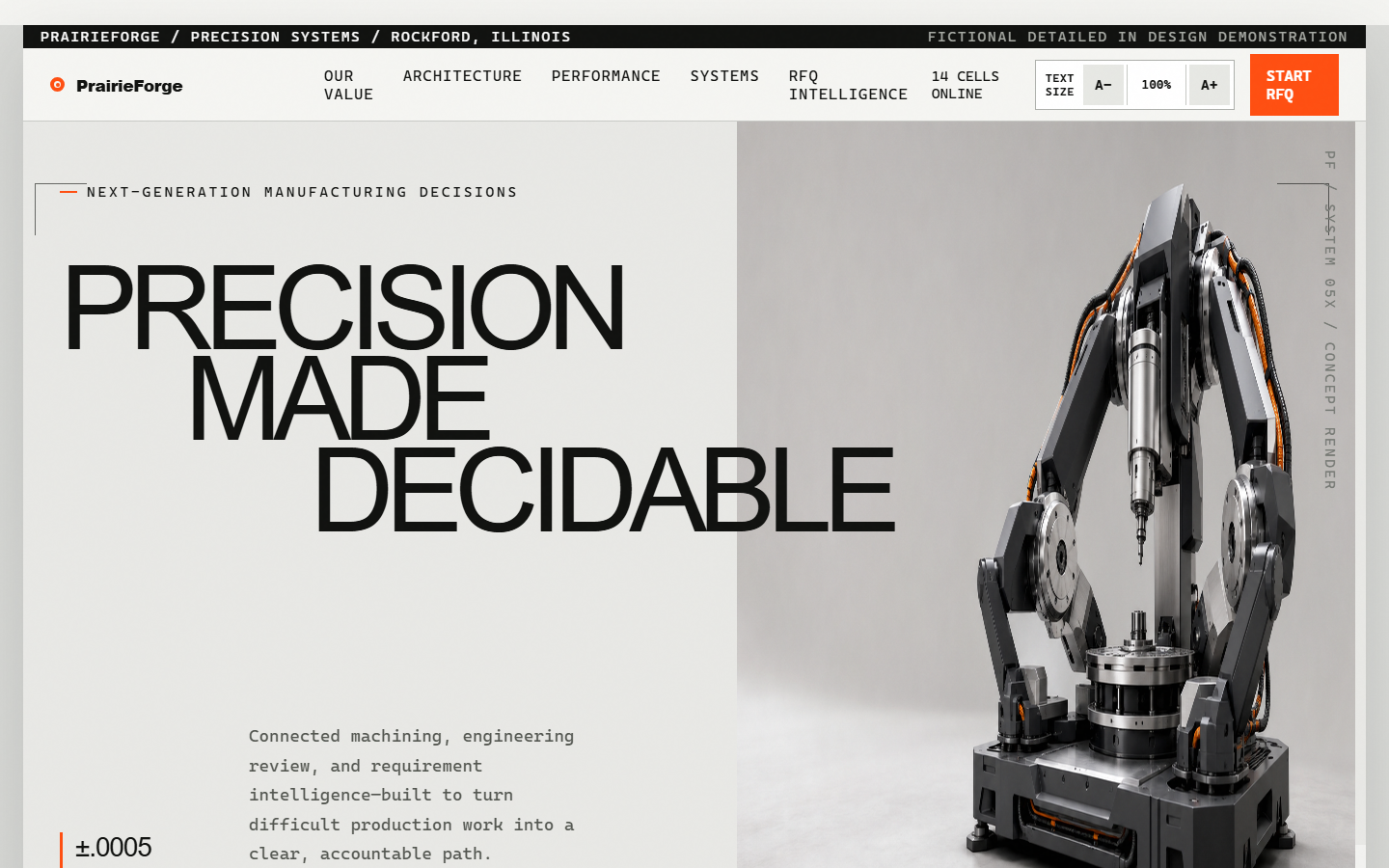
PrairieForge Manufacturing
A dimensional industrial website with machine intelligence and a drawing-to-RFQ estimator workstation.
Open the live demo ->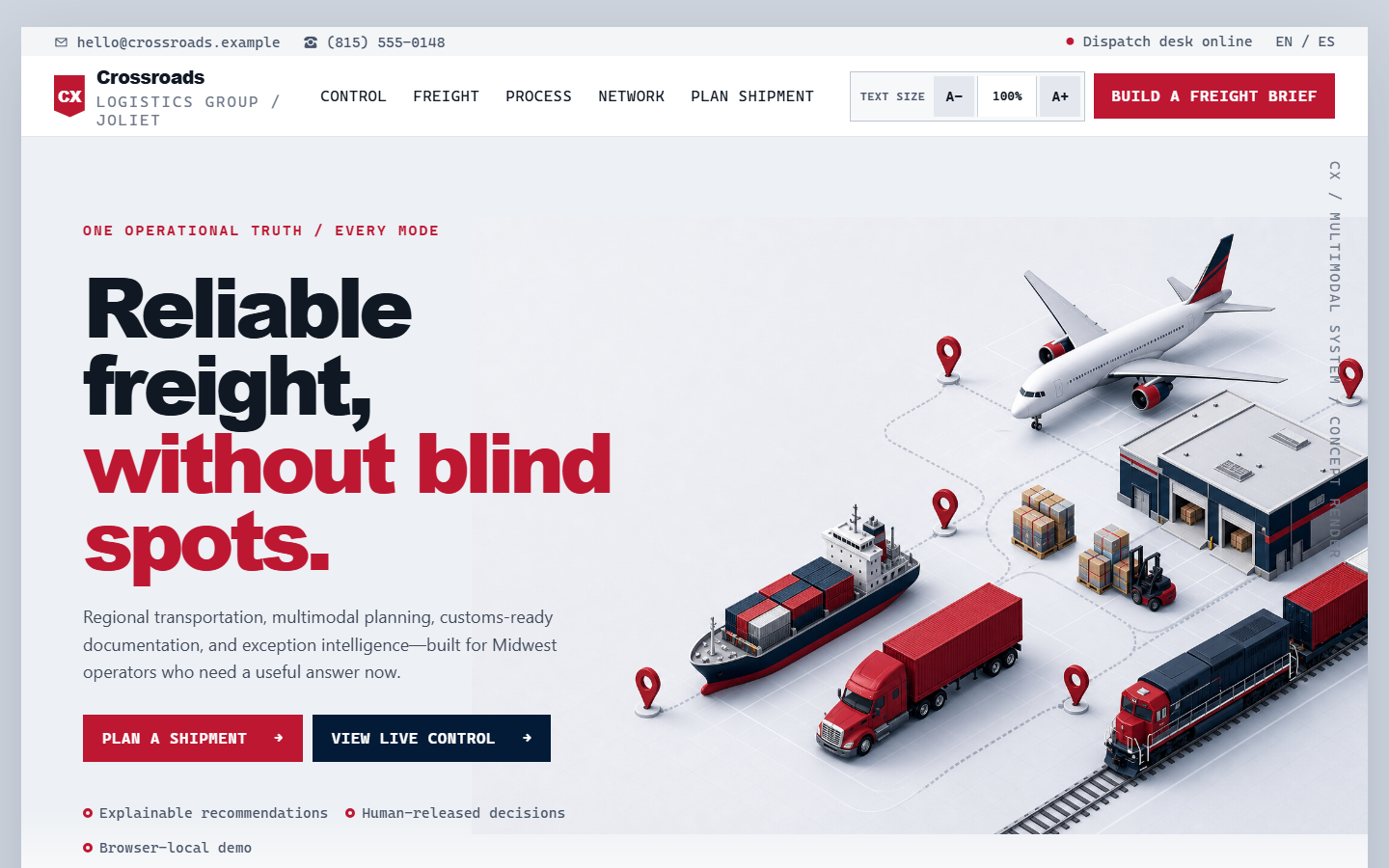
Crossroads Logistics Group
A freight network and live dispatch control room with BOL classification and exception routing.
Open the live demo ->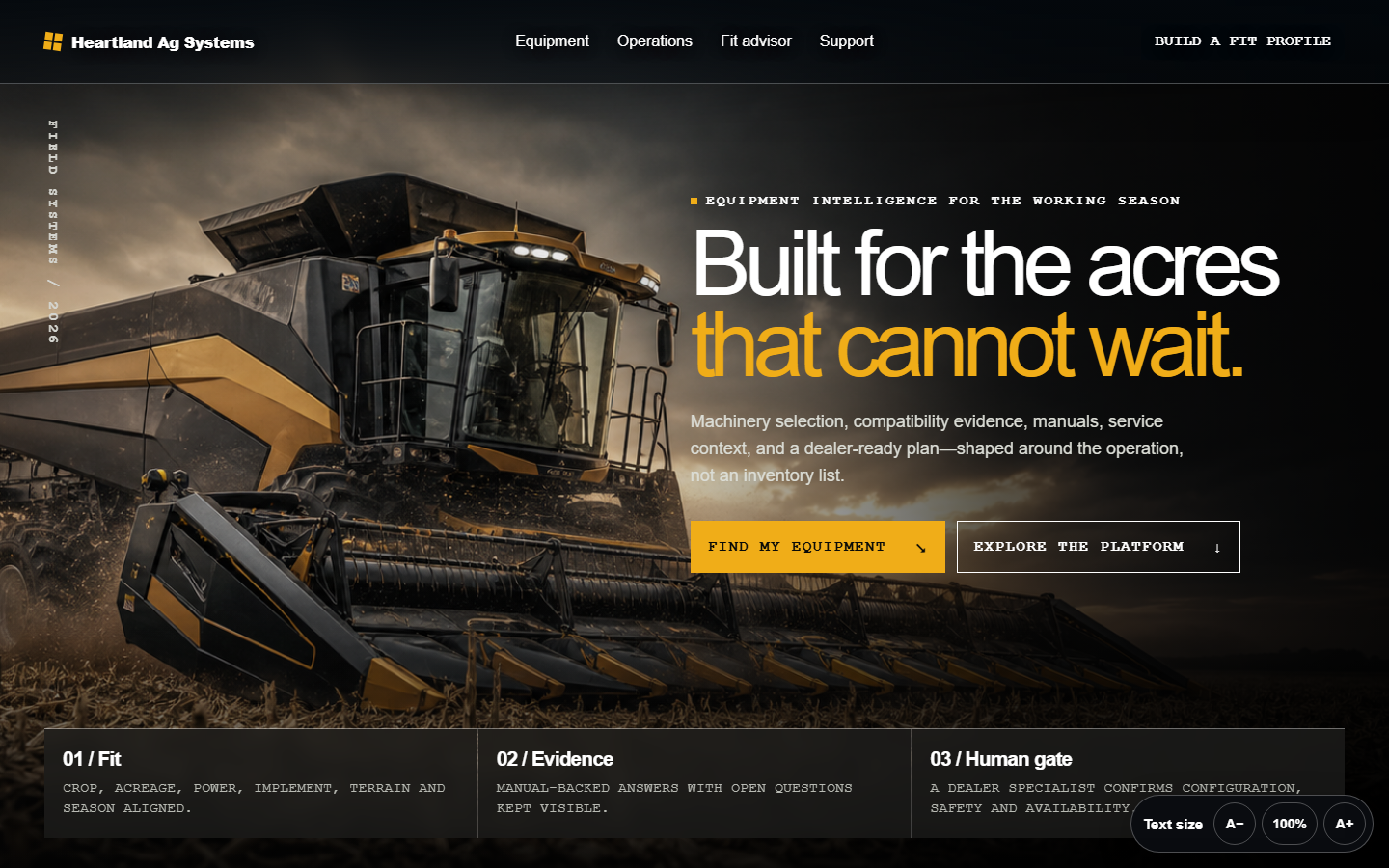
Heartland Ag Systems
A regional equipment catalog, compatibility system, parts desk, and dealer-reviewed fit advisor.
Open the live demo ->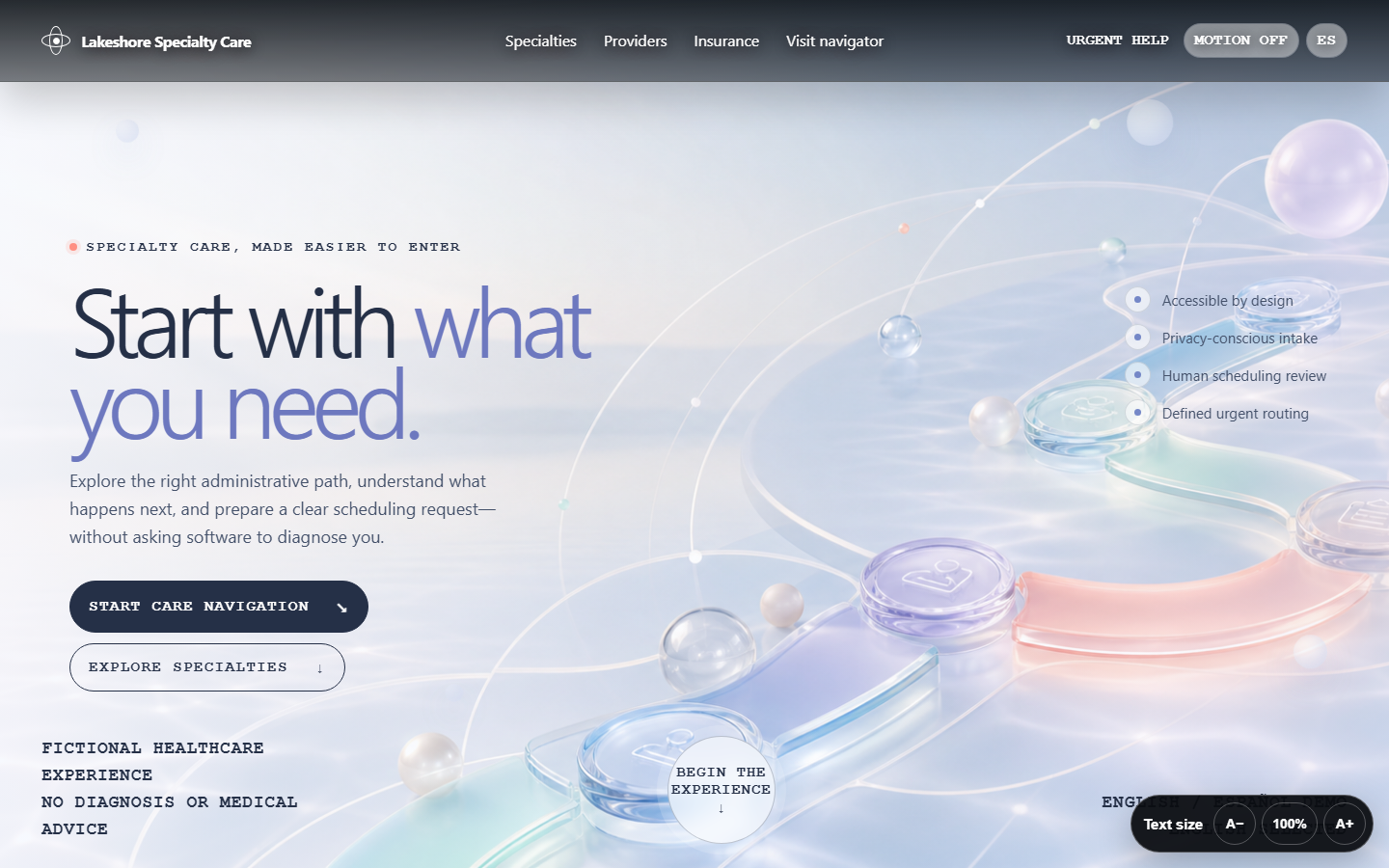
Lakeshore Specialty Care
An accessible patient experience with provider discovery, urgent-language safeguards, and staff-owned intake.
Open the live demo ->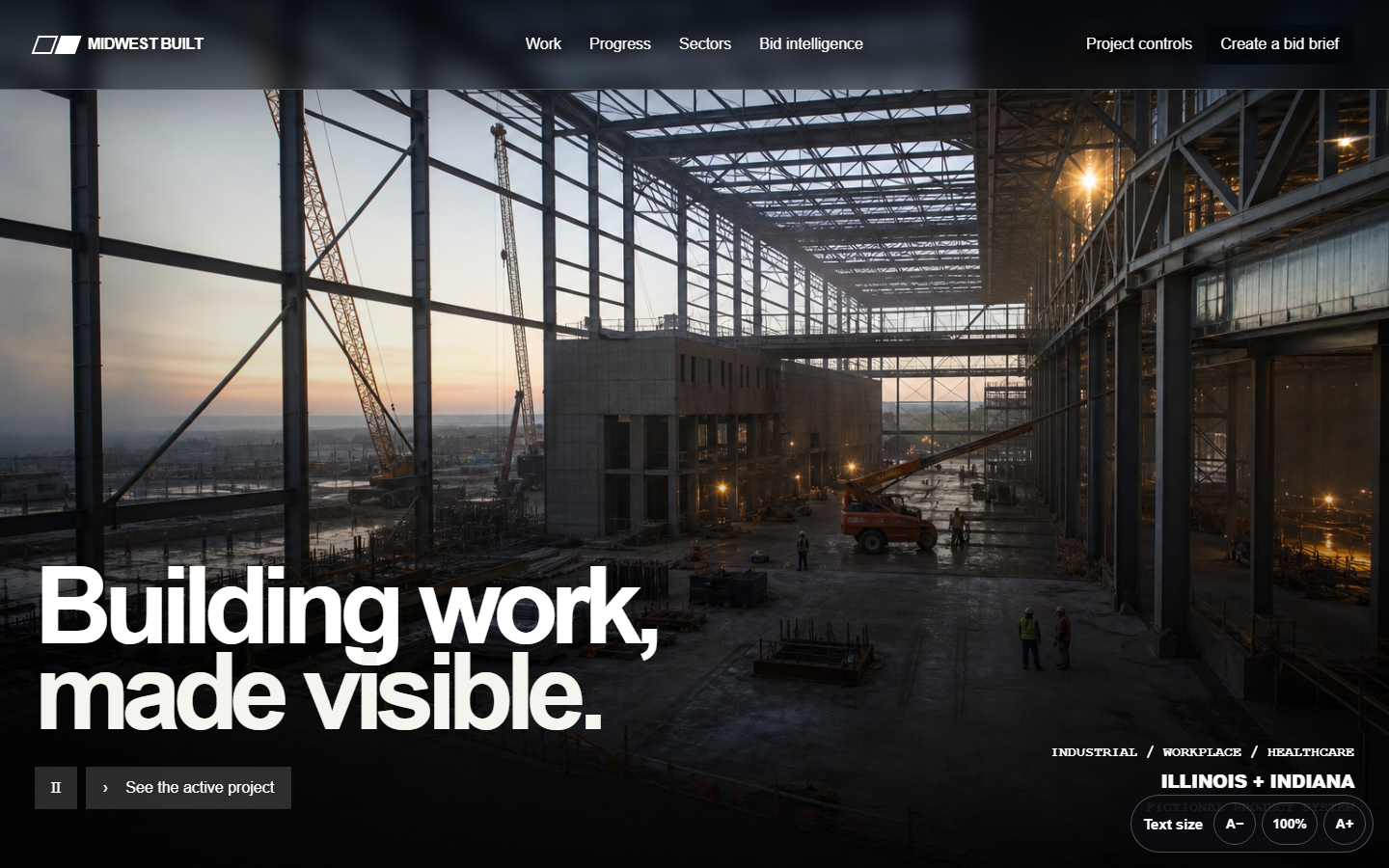
Midwest Built Commercial
A project storytelling and owner-control system with a document-to-scope preconstruction bid room.
Open the live demo ->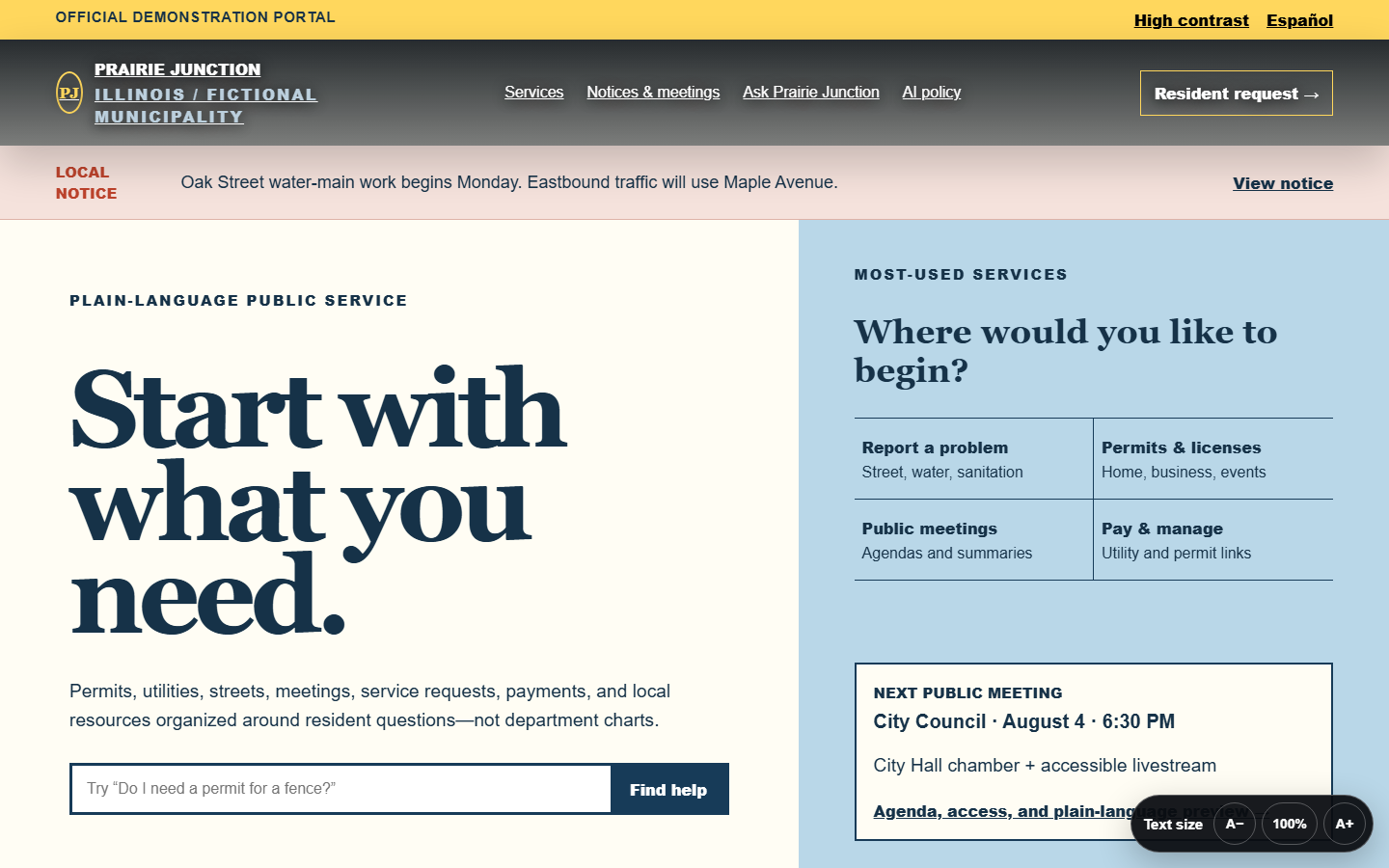
Prairie Junction
An accessible civic portal separating official records from source-linked plain-language service guidance.
Open the live demo ->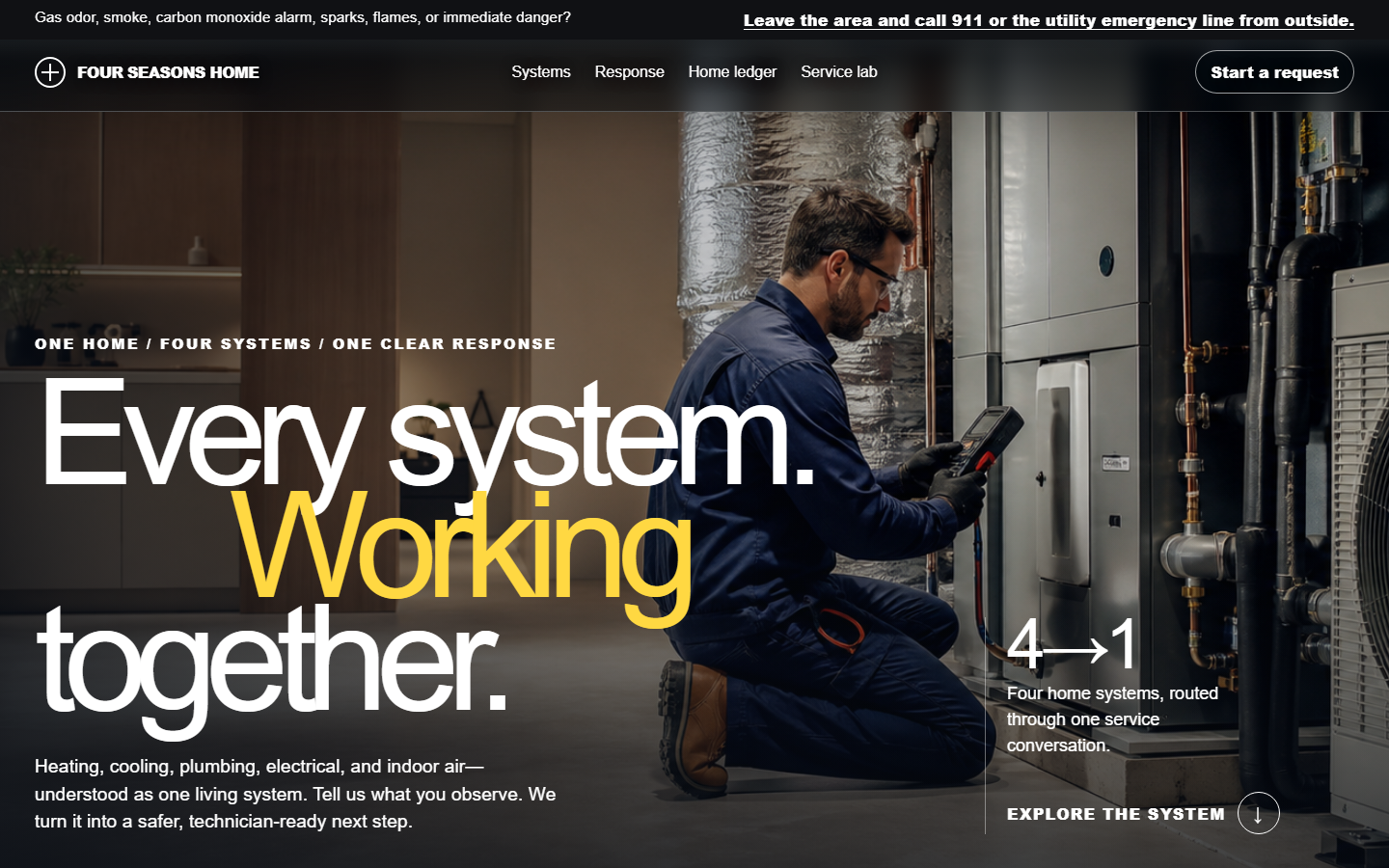
Four Seasons Home Systems
A seasonal home-comfort brand with emergency screening and technician-ready dispatch workflow.
Open the live demo ->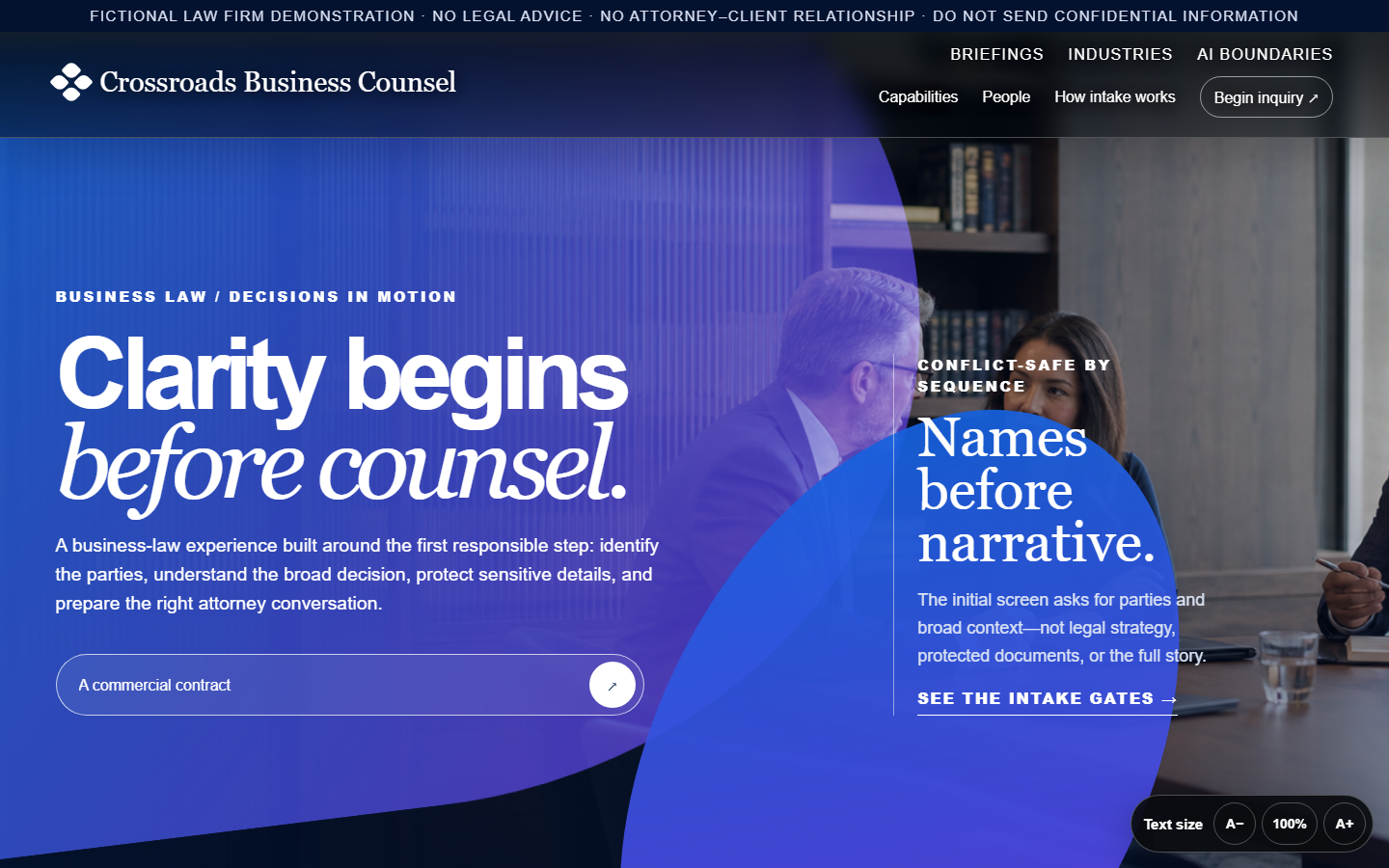
Crossroads Business Counsel
An editorial business-law experience with a conflict-safe preliminary matter and document workflow.
Open the live demo ->
Lakefront Property Partners
A property editorial, tenant operations layer, and requirement-driven broker shortlist.
Open the live demo ->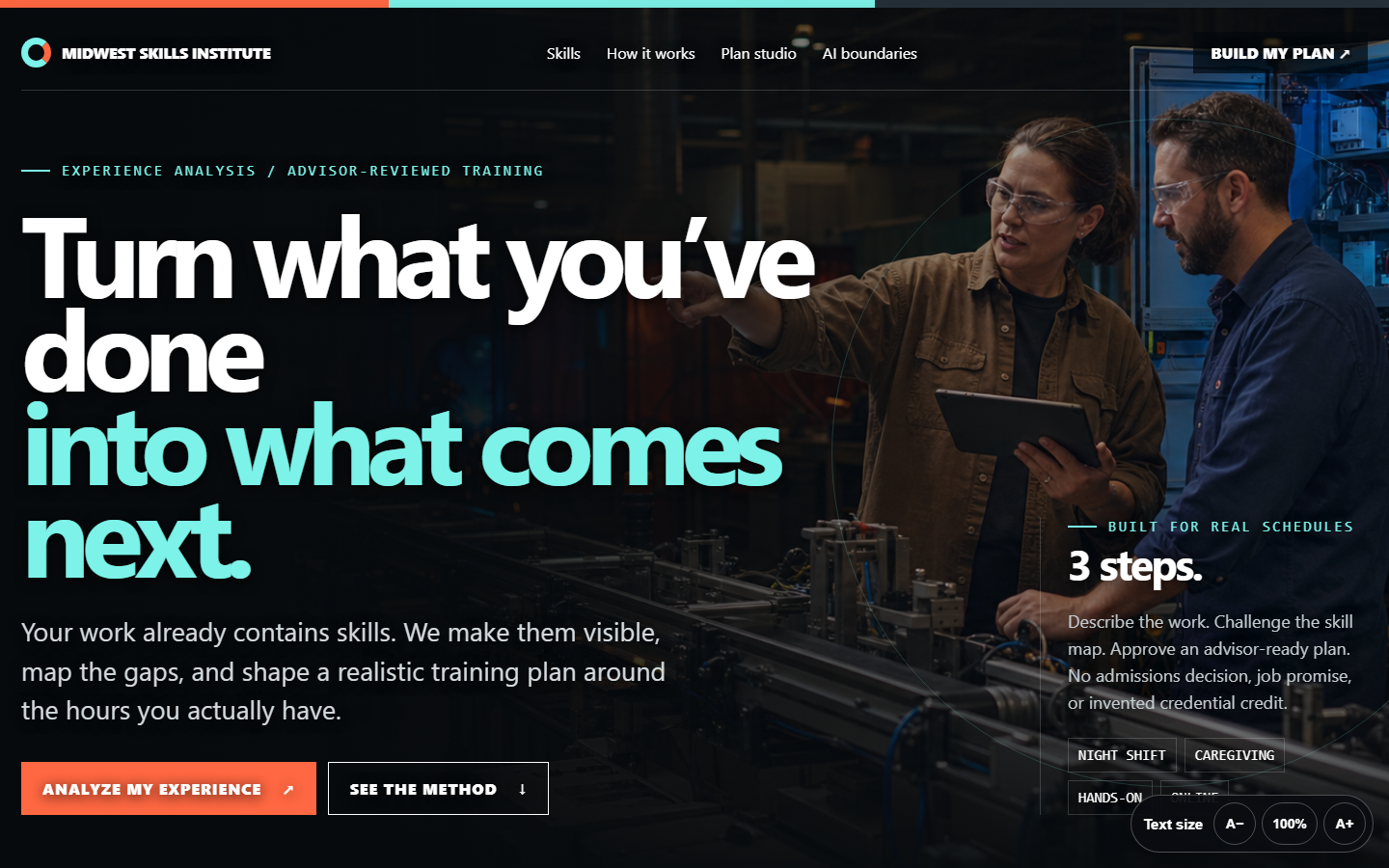
Midwest Skills Institute
A bold workforce platform translating prior experience into learner-controlled, advisor-reviewed pathways.
Open the live demo ->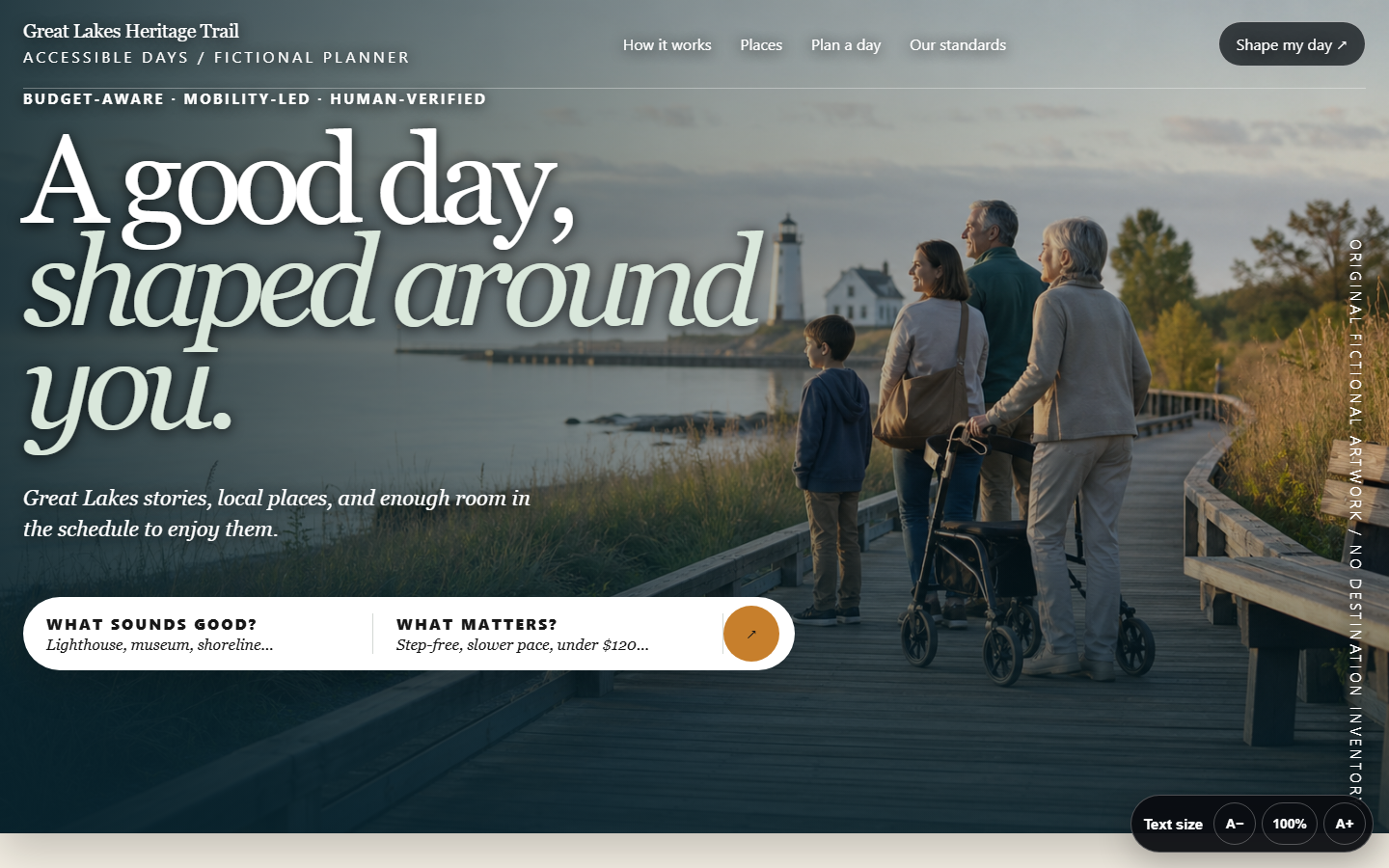
Great Lakes Heritage Trail
An immersive destination story with an accessibility- and budget-aware itinerary studio.
Open the live demo ->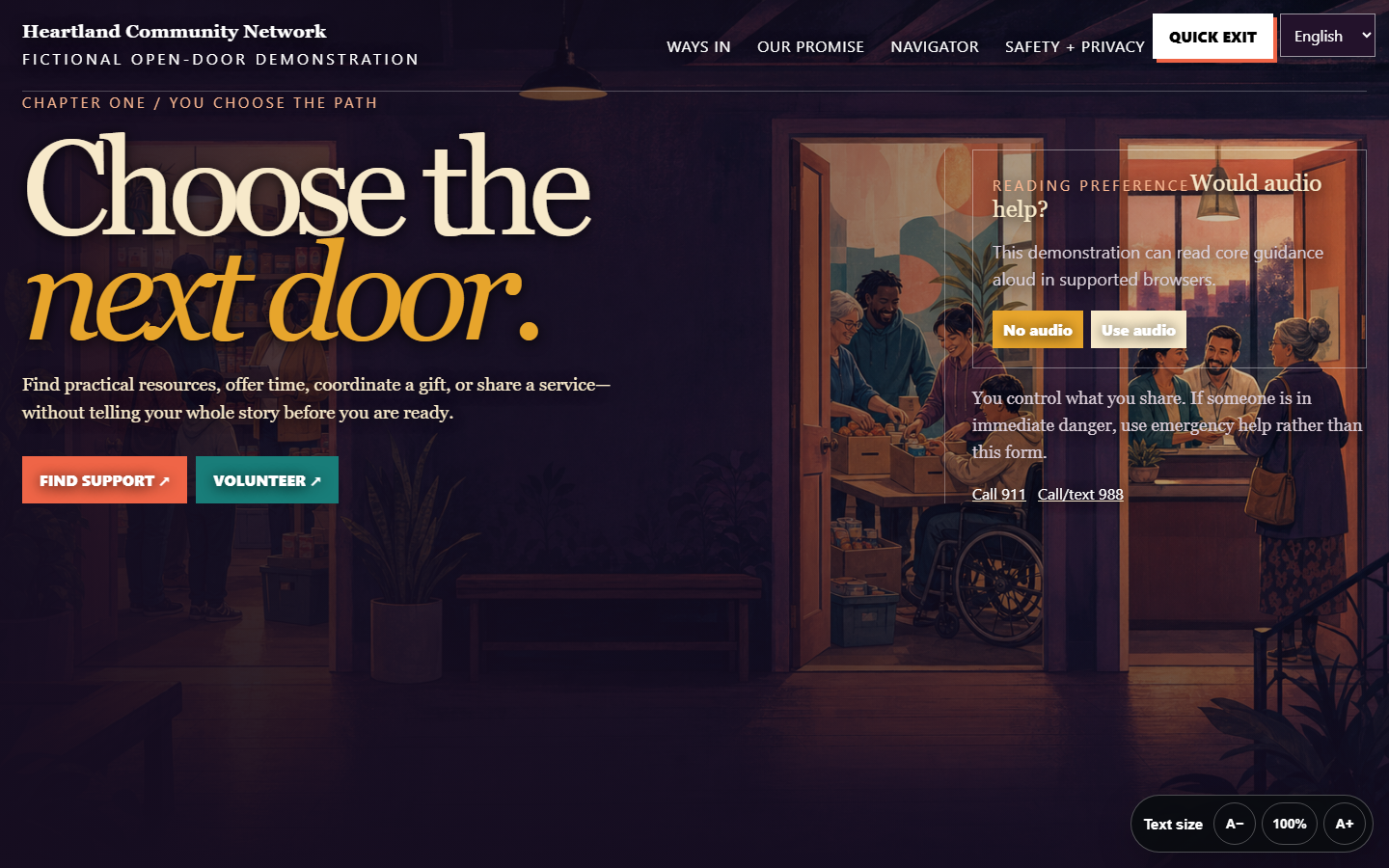
Heartland Community Network
A multilingual community service, volunteer, donor, and minimum-necessary resource navigation system.
Open the live demo ->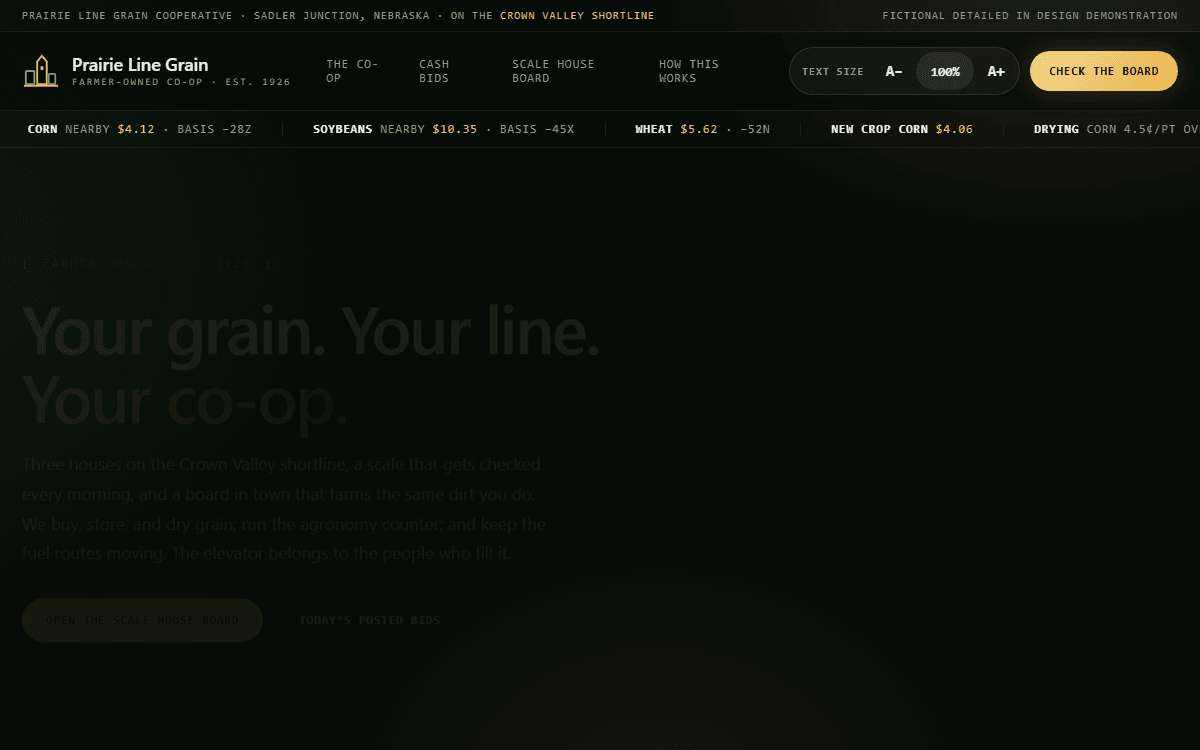
Prairie Line Grain Cooperative
Scale house board with harvest pit-queue estimates, real shrink-and-drying settlement math, and bookkeeper-gated posting.
Open the live demo ->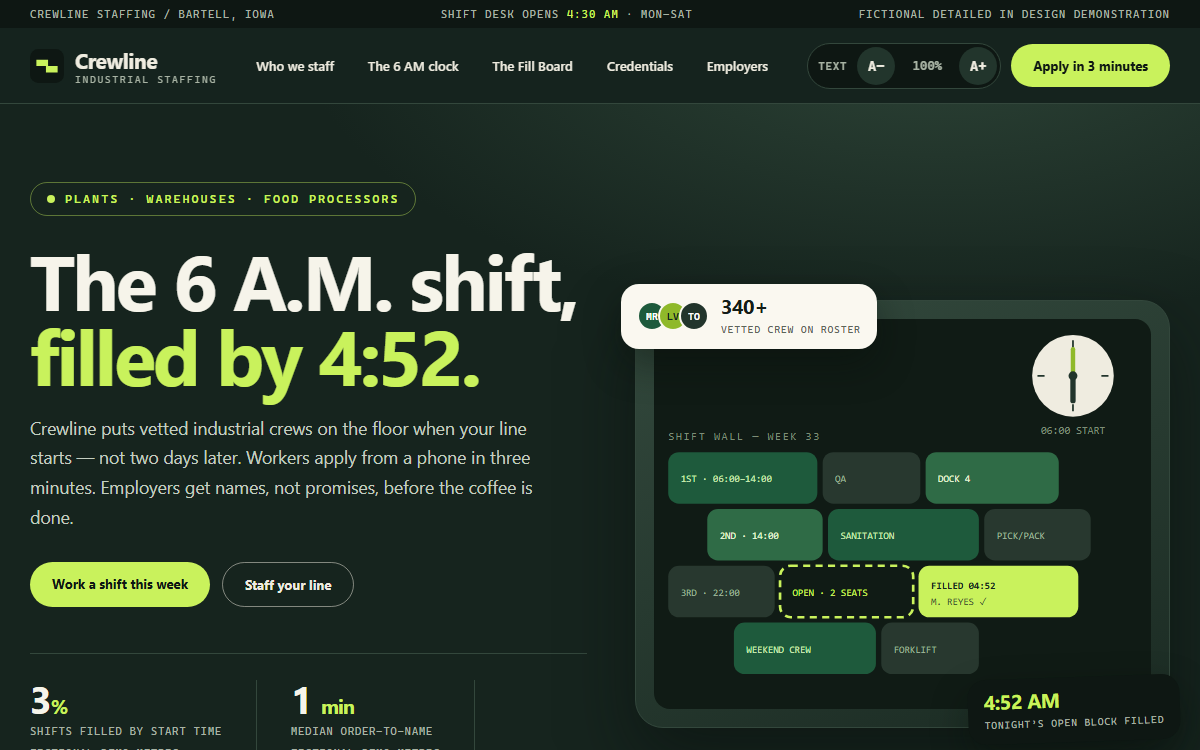
Crewline Staffing
Shift-fill board with a three-minute mobile application, AI applicant screening, recruiter-gated offer texts, and credential expiry tracking.
Open the live demo ->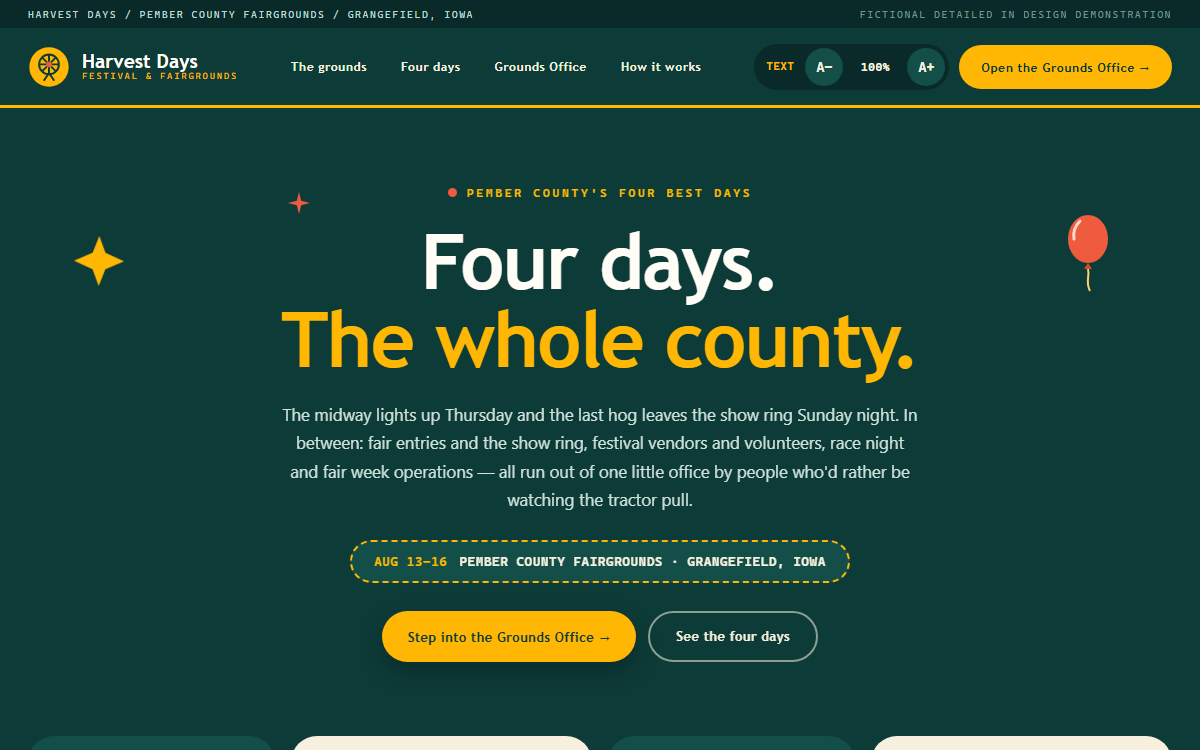
Harvest Days Festival & Fairgrounds
Fairgrounds control room with vendor-permit review, volunteer shift filling, and premium-book entry classification.
Open the live demo ->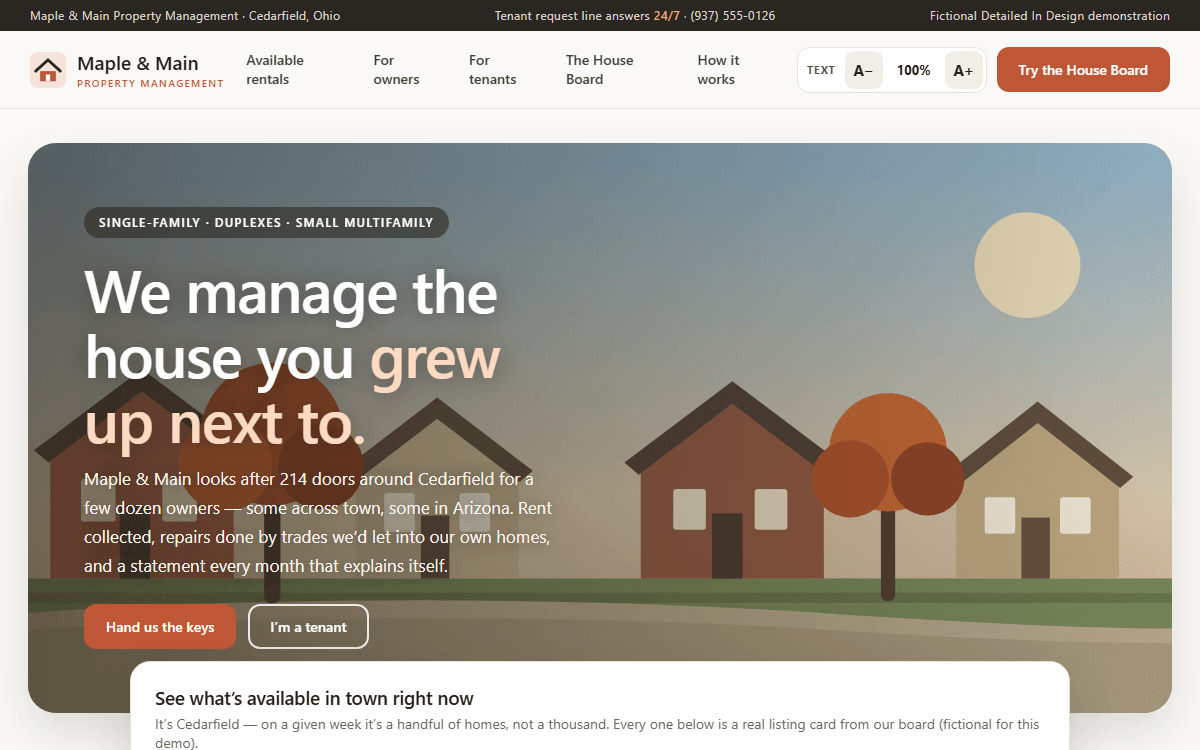
Maple & Main Property Management
House board with live tenant-request triage, notice-to-lease turnover tracking with dispatched trades, and manager-reviewed owner statements.
Open the live demo ->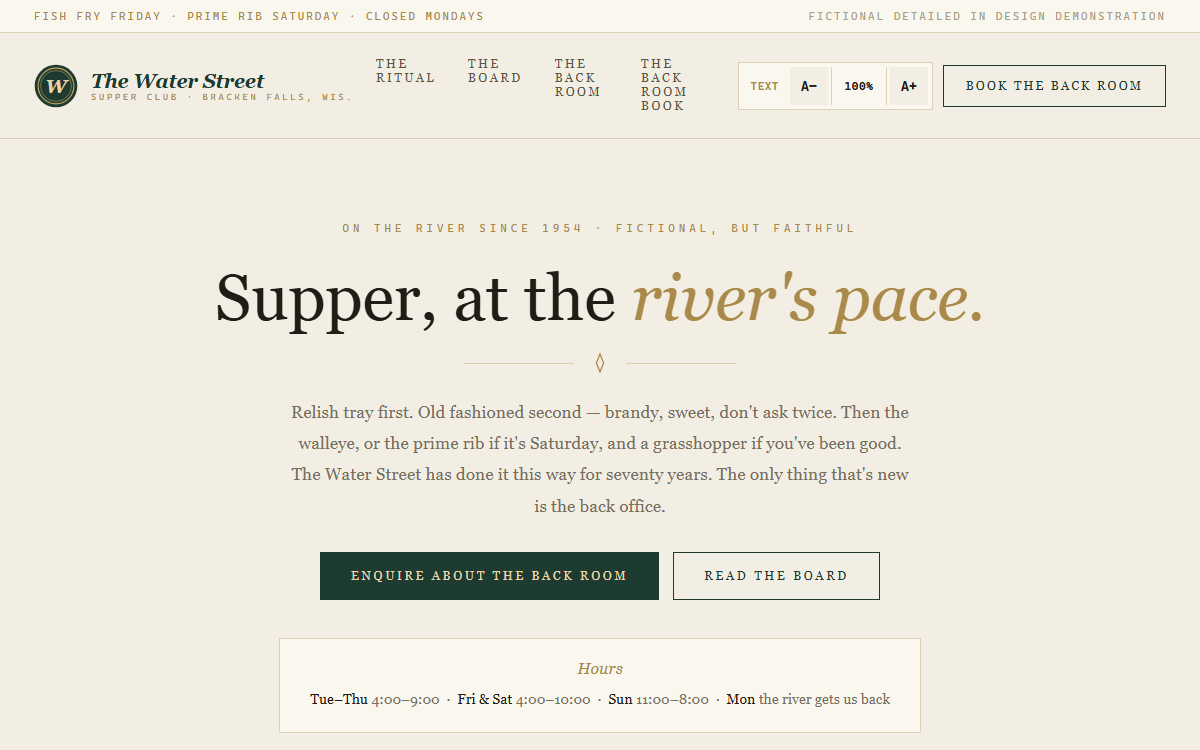
The Water Street Supper Club
Supper club back office with event-enquiry quoting, weekend prep forecasting, and host-reviewed waitlist texting.
Open the live demo ->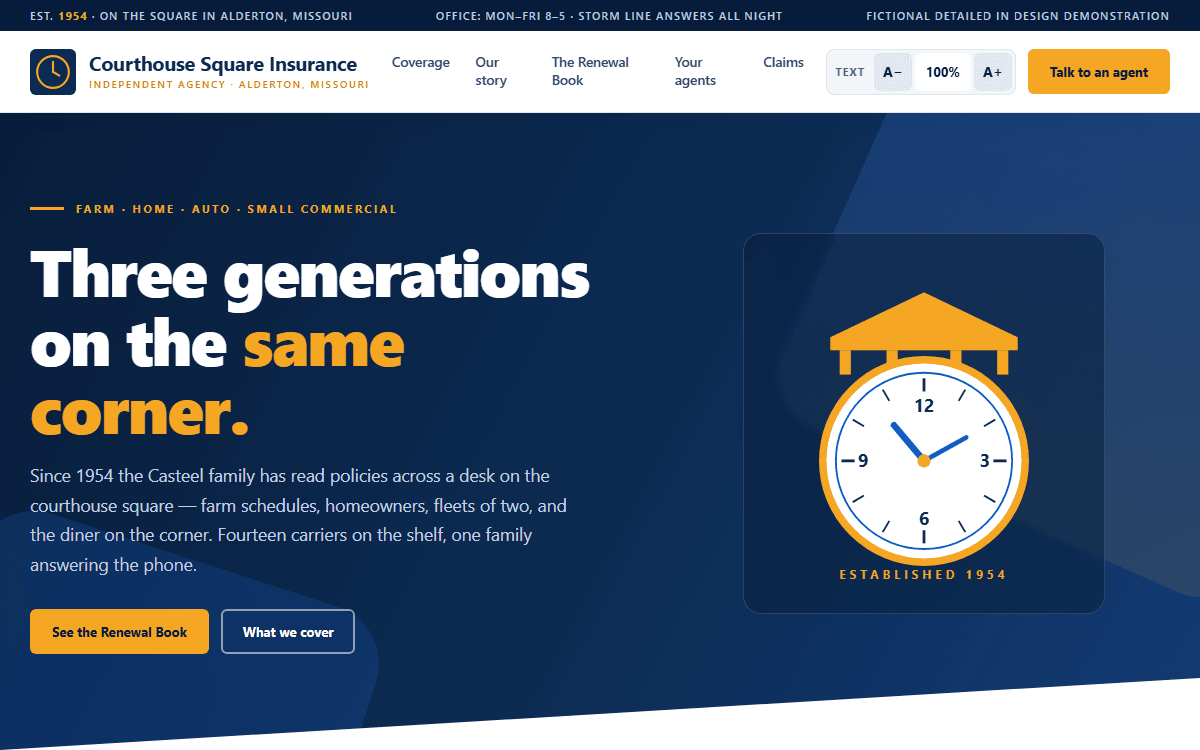
Courthouse Square Insurance
Renewal book with agent-reviewed 60/30/10-day touches, a plain-English certificate desk, and storm-night loss triage.
Open the live demo ->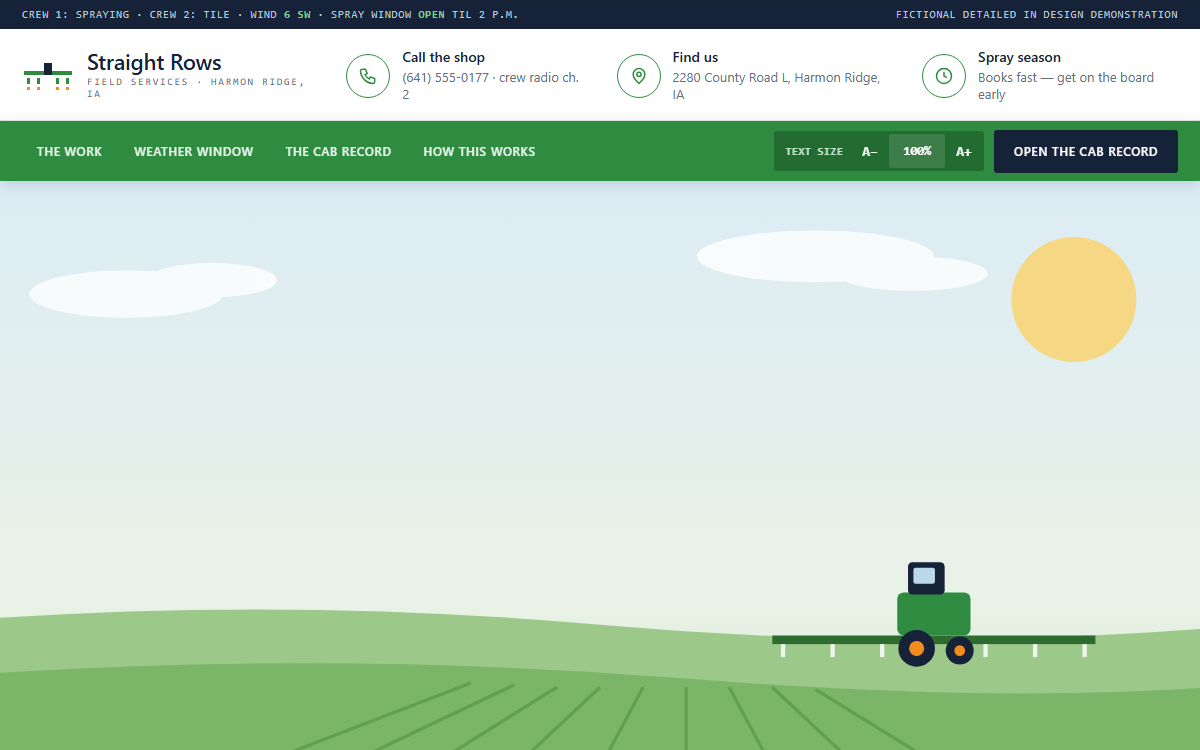
Straight Rows Field Services
Cab-record workstation with voice-note parsing, state-audit export, and owner-approved per-acre invoicing.
Open the live demo ->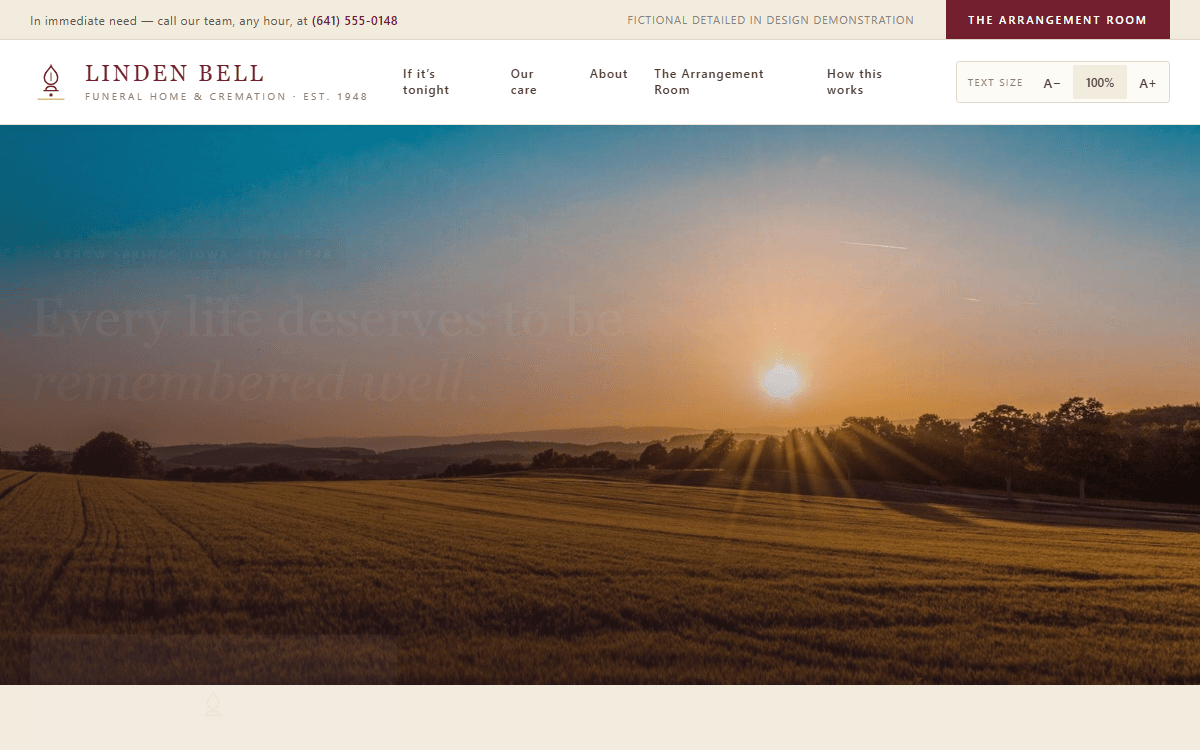
Linden Bell Funeral Home & Cremation
Arrangement room with first-call intake, obituary drafting from family memories, and director-approved service programs.
Open the live demo ->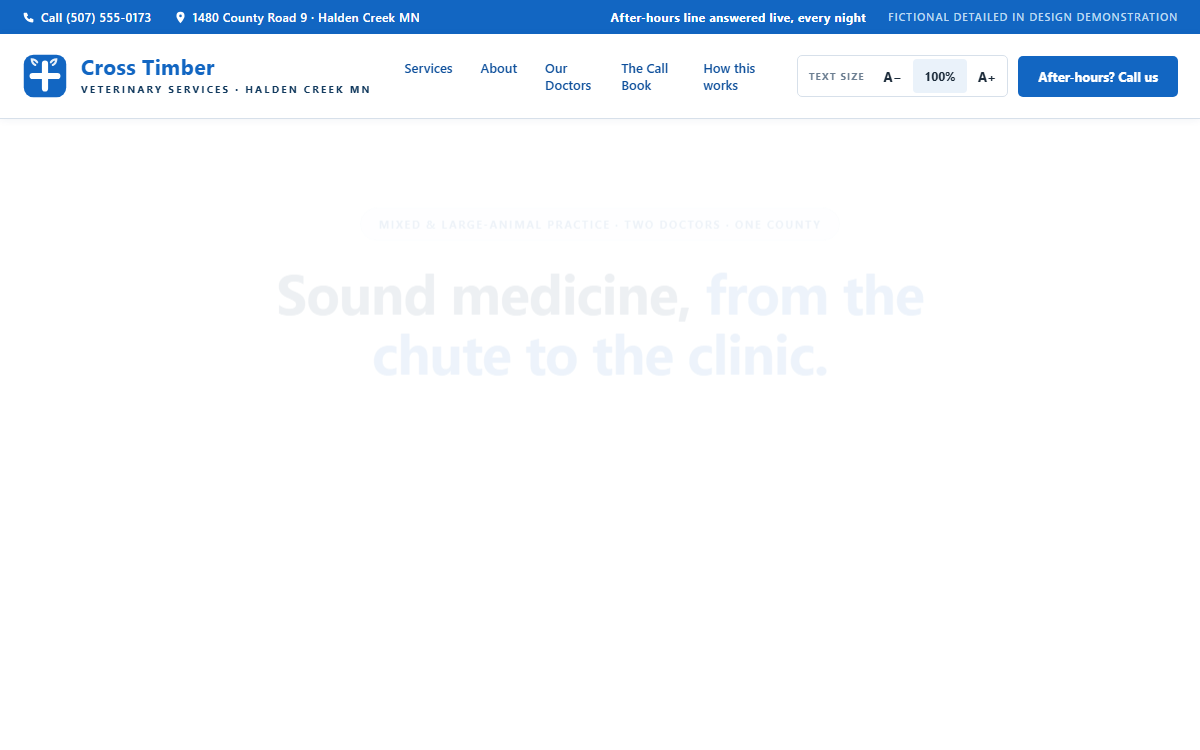
Cross Timber Veterinary Services
After-hours call book with words-to-urgency triage, drafted VFD paperwork, and a herd-visit day board.
Open the live demo ->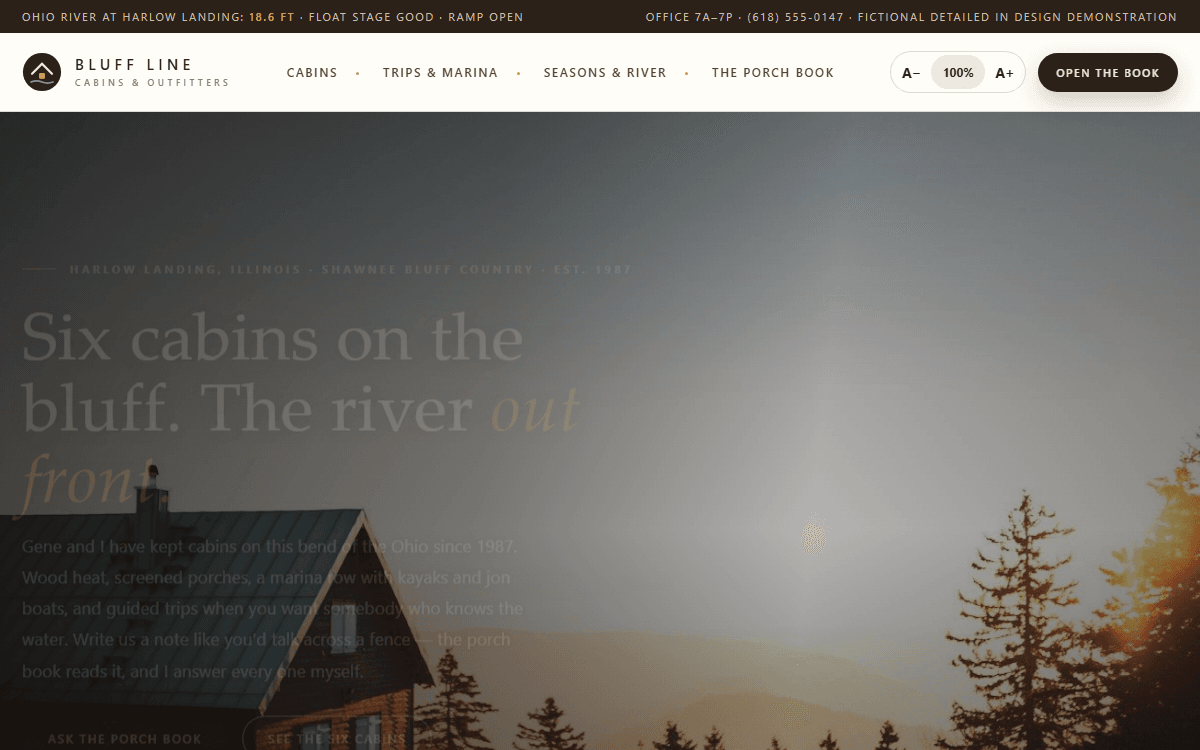
Bluff Line Cabins & Outfitters
Front-porch booking book with inquiry parsing, seasonal quote drafting, and owner-gated river reschedules.
Open the live demo ->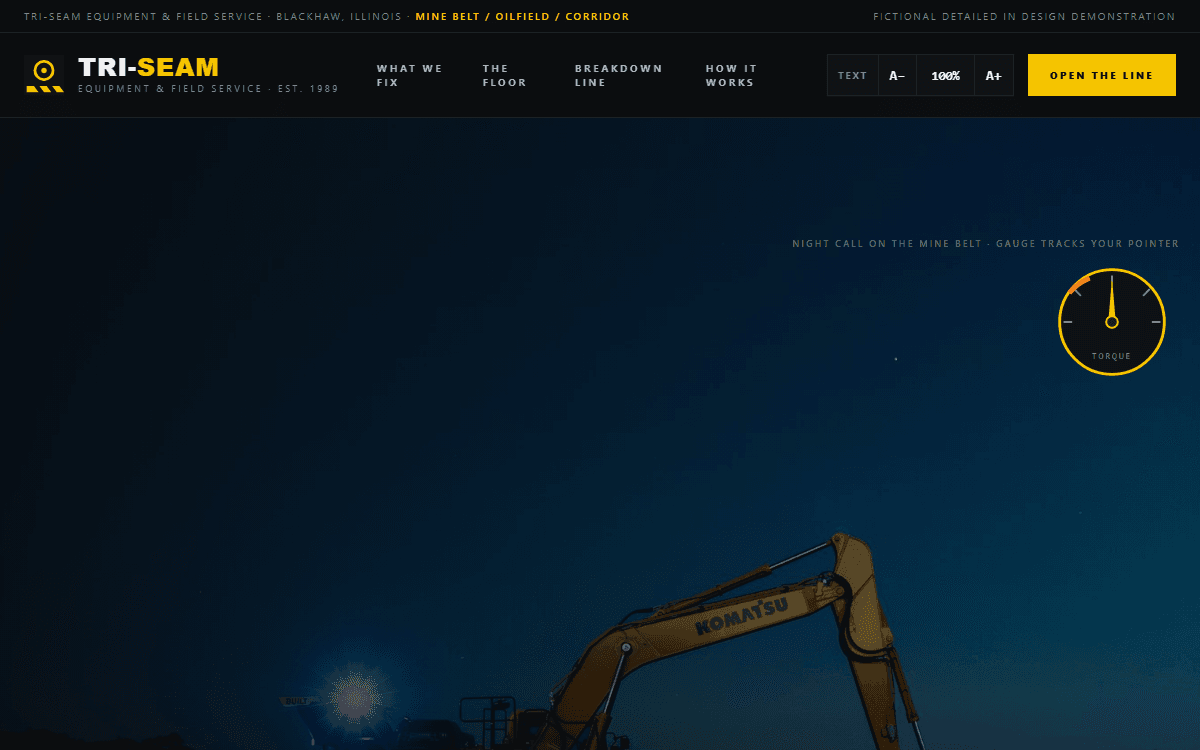
Tri-Seam Equipment & Field Service
Breakdown-line intake desk with report parsing, draft estimating, parts ETA gating, and a live downtime clock.
Open the live demo ->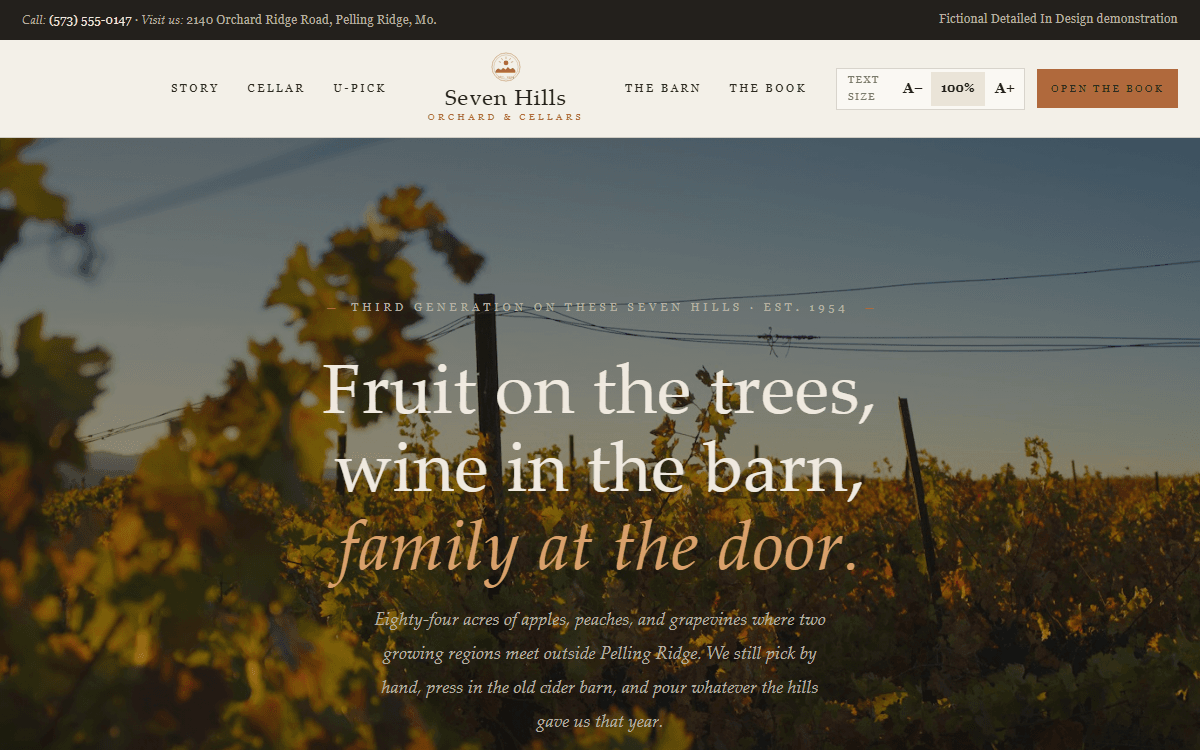
Seven Hills Orchard & Cellars
Orchard-winery event desk with inquiry parsing, barn-calendar checks, club-shipment holds, and family-approved forecasts.
Open the live demo ->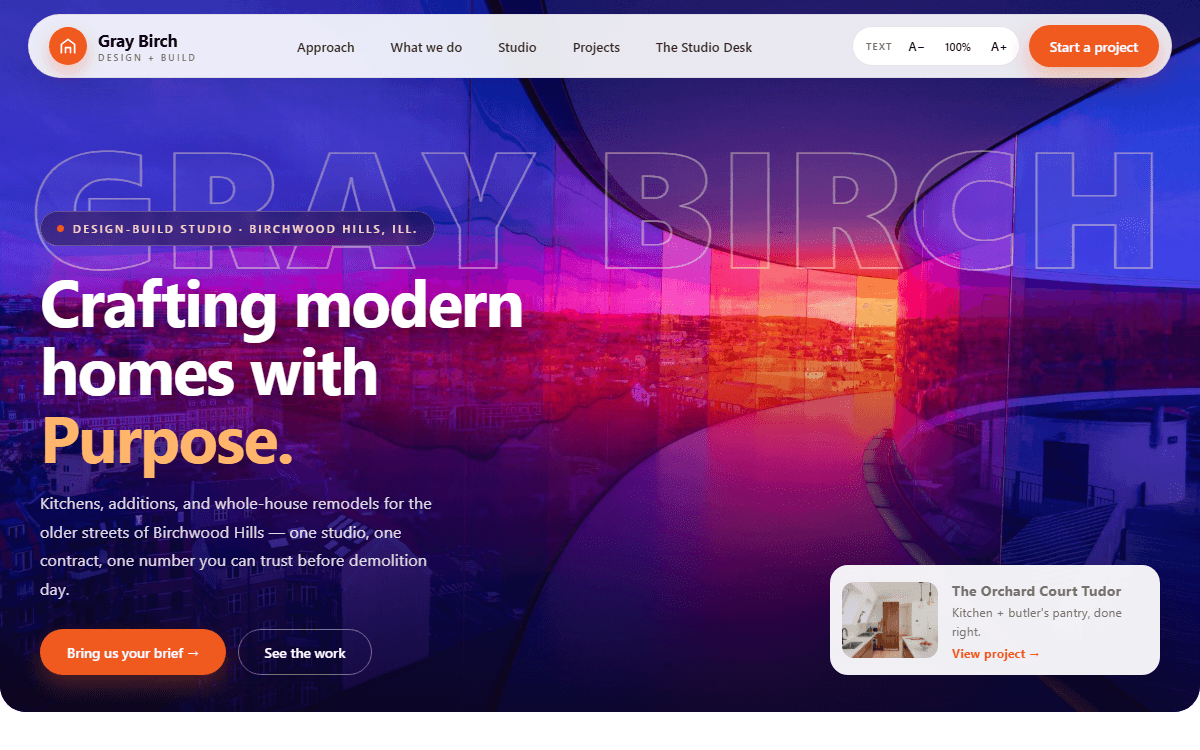
Gray Birch Design + Build
Studio desk with brief-reading scope drafts, budget bands, and a lead-time selections tracker.
Open the live demo ->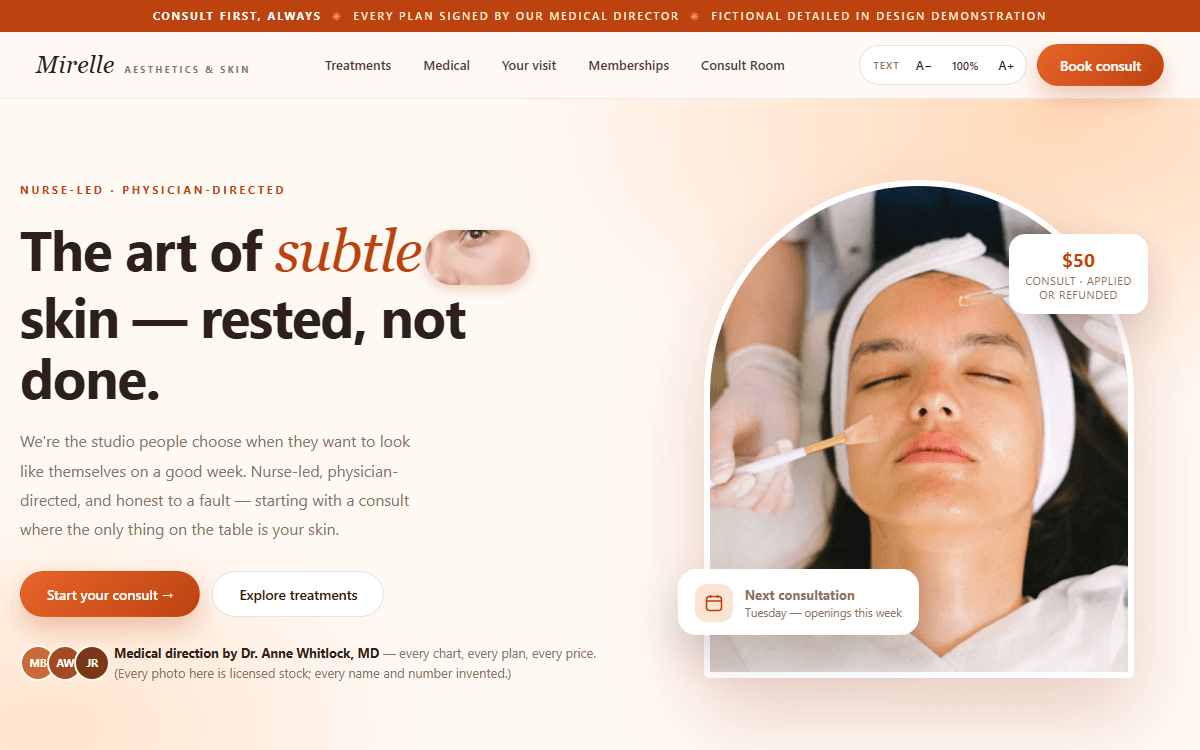
Mirelle Aesthetics & Skin Studio
Consult room with intake reading, contraindication-safe plan drafting, and a membership desk.
Open the live demo ->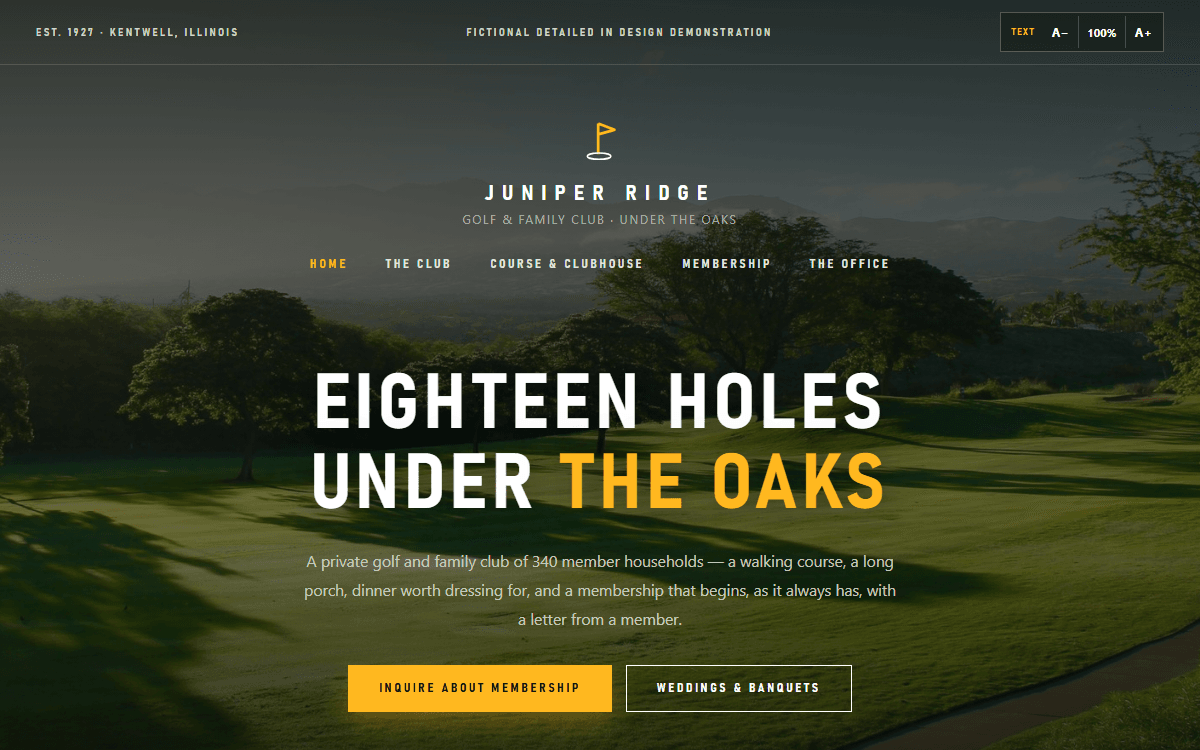
Juniper Ridge Club
Membership office with roll-checked inquiry packets, calendar-checked banquet proposals, and RSVP handling.
Open the live demo ->Proof
Mapped. Quoted. Measured.
Mapped
We diagram your process before writing code — the build follows the map, not a template.
Quoted
Fixed, transparent scope. You see the smallest reliable build and what it costs, up front.
Measured
Every system ships with the metric that proves it worked. Outcomes, not output.
Watseka, IllinoisServing Indiana & Central IllinoisEst. 2024Founded by a published AI-alignment researcher (thirdwayalignment.com)
Territory
Built For Small-Town Business
Peoria and Springfield east to Indianapolis and Muncie — 133 counties, with a page written for the town itself, not a template with the name swapped.
Not seeing your town? That list is where we have written the page, not where we will take the work. If you are in the corridor, we serve you.
Partnership
Begin The Work
Share the workflow, systems, data boundaries, and timeline so we can scope the smallest reliable build.
Common Questions
What is custom AI development?
Custom AI development means building software and AI around a specific job in your business or personal workflow. Instead of asking you to paste information into a generic chatbot, we map the work, connect approved data, add the right automation, and keep human review where it matters.
Can you give real examples in plain English?
Yes. A contractor can use a missed-call and quote follow-up system. A manufacturer can use an audit packet builder. A law firm can use a client document portal with attorney review gates. A clinic can use intake and reminder workflows. A family caregiver can use a private organizer for appointments, records, reminders, and questions for care visits.
How is your AI different from buying a chatbot subscription?
A chatbot subscription is a blank tool that waits for someone to explain the work, paste context, check the answer, and move it somewhere useful. Detailed In Design builds the surrounding system: workflow steps, data boundaries, integrations, dashboards, review controls, audit trails, and success measurements.